Toggle Buttons On All Transitions and Effect Options
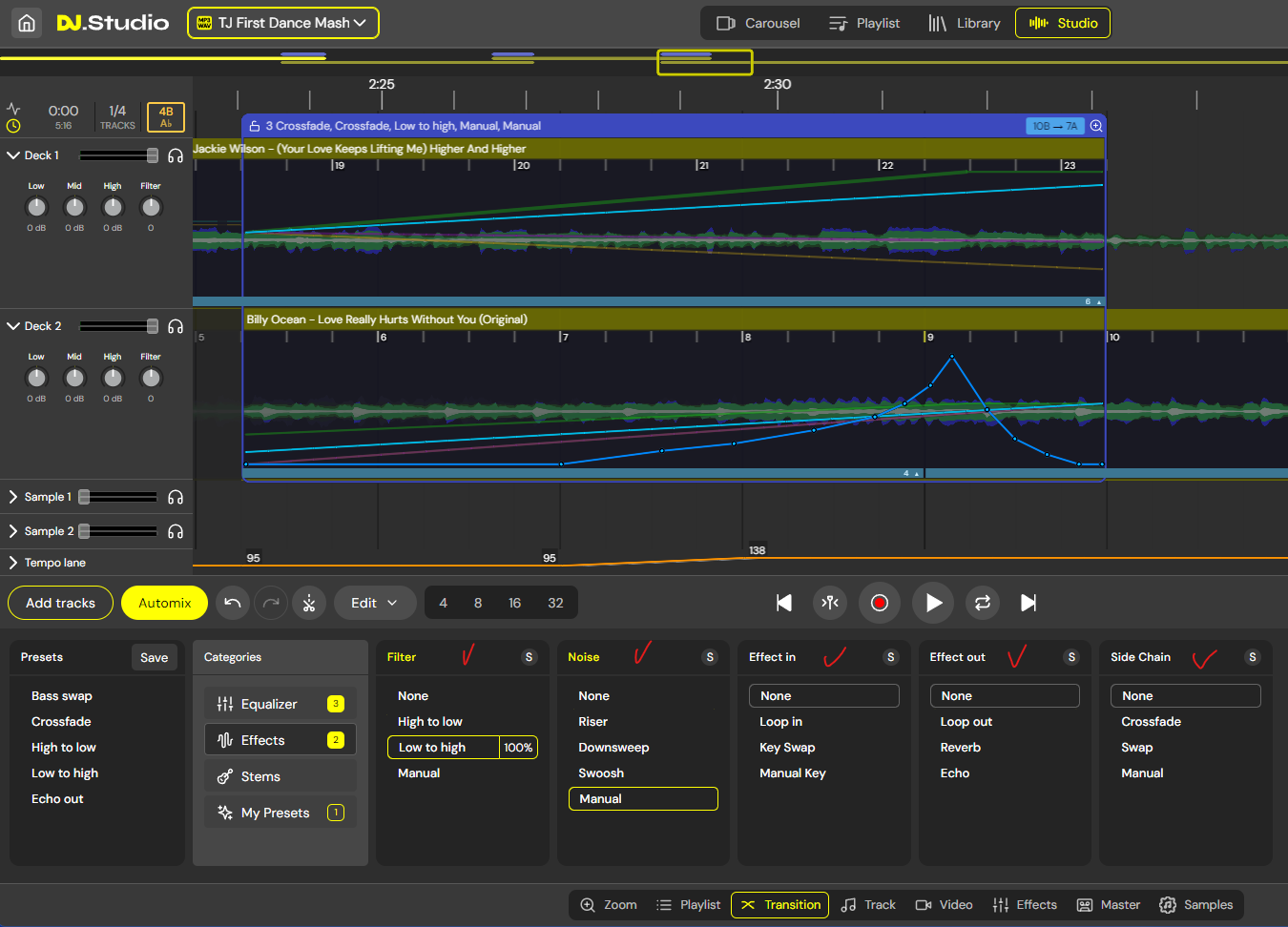
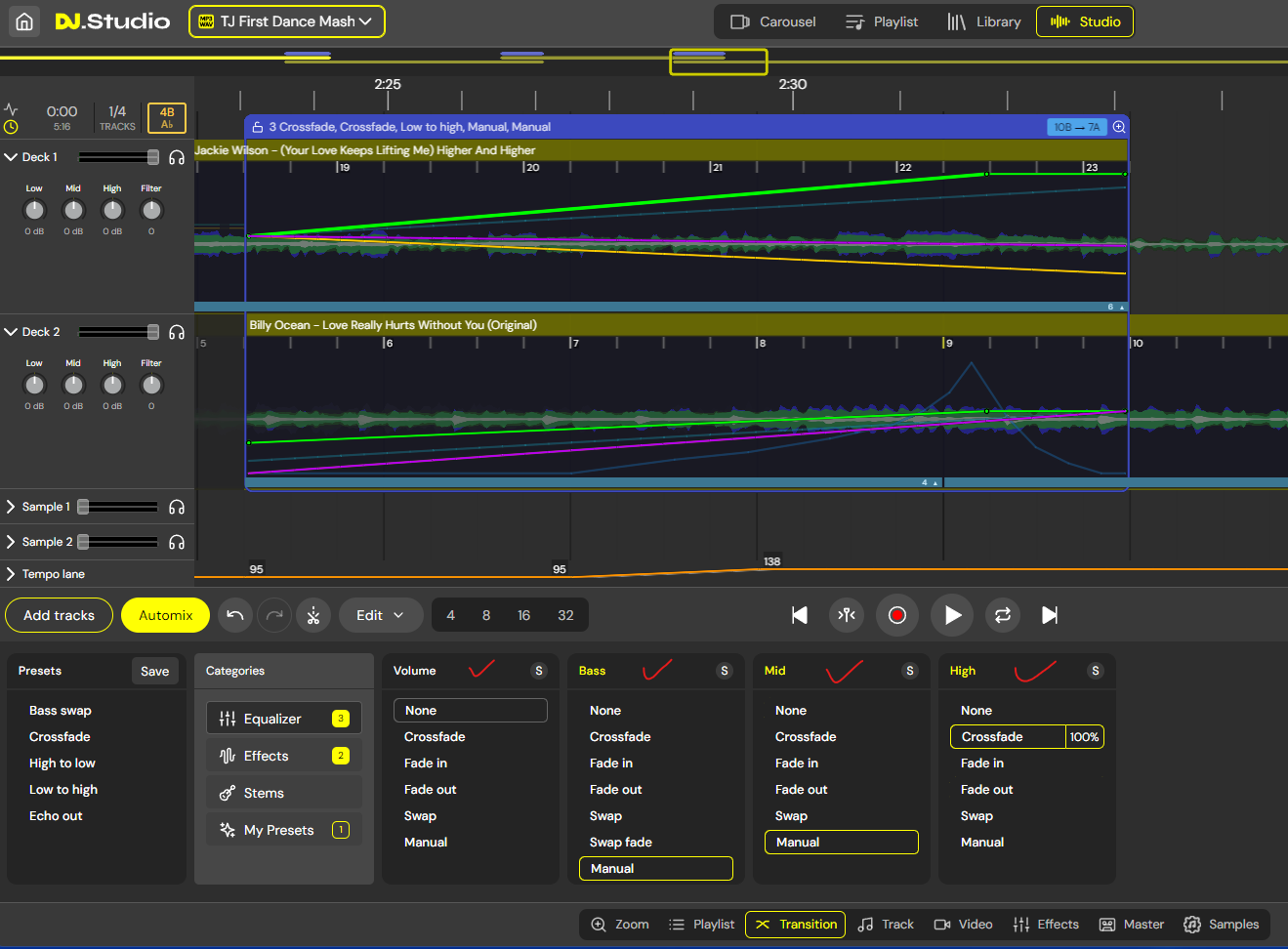
Would be amazing if you could toggle on and off transition / effect configs so you can test/preview multiple options without having to set them to none and lose your manual config. I.e. an enabled toggle like the S (solo) button. Could be a simple ticked box or unticked box, however unlike solo button it would be enabling / disabling transition / effect option only.
Awesome software by-the-way !! :-)
DJ Ricky Gold
Log in to comment and vote
Comments2
Siebrand Dijkstra
May 20, 2024
Thank you! I think you are looking for a Mute function next to the Solo?
The manual is a state of your manual actions. Switching between crossfade and manual will restore your manual work. So you can literally test some presets and then return to your manually crafted automation line.
Richard Hetherington
May 21, 2024
Hi Siebrand, thanks for the speedy reply. A Mute button is exactly what I was meaning and M for Mute would work just as well as S for Solo.
I figured out last night after posting that my manual drawn out effect was retained after temp switching to none or one of the other options. The mute button however feel more intuitive as the other route relies on memory if you are working on a larger mix or get called away mid stream.
Might be an idea to warn users if anything is muted on exporting mix or highlight graphically how many options / tracks / samples are muted.
So happy to have found your app as this is exactly what I have wanted for years :-)
DJ Ricky Gold